06-27-2026, 06:21 AM
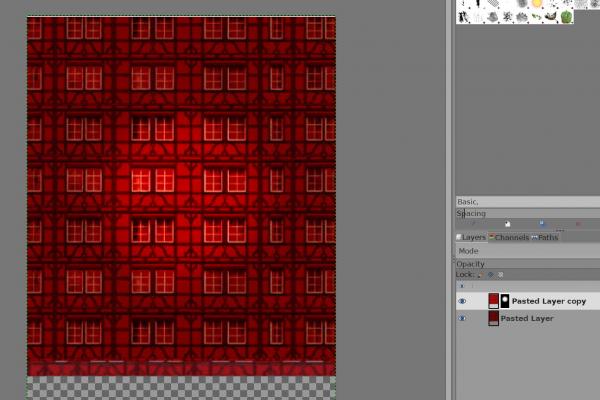
Copy the background to a new layer and lighten this layer using 'Colors / Exposure'. Then, add a mask to that layer: right-click on the new layer and select 'Add Layer Mask / Black / Add'. Select the brush ('Paintbrush' tool) and paint a white dot over the area you want to brighten (large size; hardness and strength set to 50%). Use the brush repeatedly on the same spot until you are satisfied with the result. If it is not yet bright enough, you will need to lighten the new layer further using 'Colors / Exposure'.