




04-11-2026, 06:56 AM
A simple way is to capture a gradient and use it as a layer below your text layer, or to create one yourself.
https://docs.gimp.org/3.0/en/gimp-concep...ients.html
I made a copy from the website you pointed at:
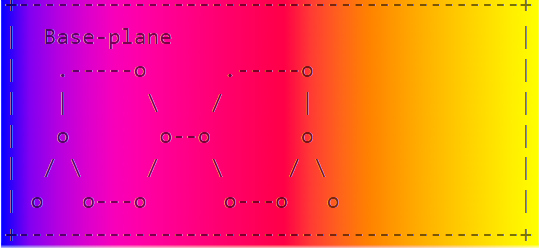
But I don't think you want to use a text layer? Isn't it the kind of drawing you want to create as seen in your earlier posts? I could be wrong but : I would suggest to make a drawing with paths for the lines and stroke the paths on a new transparent layer and use a brush for the points (also on a transparent layer). Then you can use a gradient layer as background. It's an easy job in gimp and the result would be more professional than try to change / erase colours from existing captured pictures. It's just a suggestion...
https://docs.gimp.org/3.0/en/gimp-concep...ients.html
I made a copy from the website you pointed at:
But I don't think you want to use a text layer? Isn't it the kind of drawing you want to create as seen in your earlier posts? I could be wrong but : I would suggest to make a drawing with paths for the lines and stroke the paths on a new transparent layer and use a brush for the points (also on a transparent layer). Then you can use a gradient layer as background. It's an easy job in gimp and the result would be more professional than try to change / erase colours from existing captured pictures. It's just a suggestion...