07-26-2026, 08:15 AM
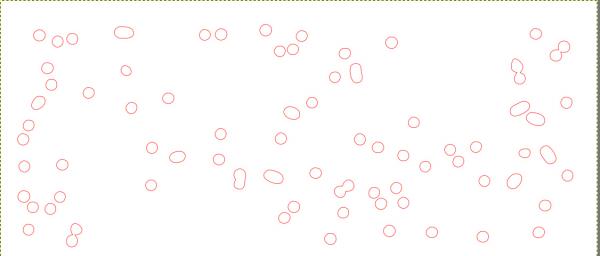
To define the area containing the dots, you can select them by clicking the white background with the 'Select by Colour' tool, using a threshold of 20. Then choose: Select > To Path. Perhaps someone has an idea of how to determine the coordinates of the resulting paths. I believe Ofnuts has a GIMP plug-in for GIMP 2.10.38 that allows path values to be exported to an Excel spreadsheet.