




01-10-2026, 09:33 AM
I tried this. Create a new transparent layer. Use the "Sparks" brush (a round yellow-orange dot). Set the brush settings to your liking: aspect ratio 10, distance 100, etc.
Draw on the transparent layer. Change the color to blue using "Colors / Hue-Chroma." Filters / Distortions / Offset / Vertical. Then use "Filters / Blur / Gaussian Blur." Set the layer mode of the transparent layer to "Merge." Duplicate the transparent layer and set its layer mode to "Overlay."
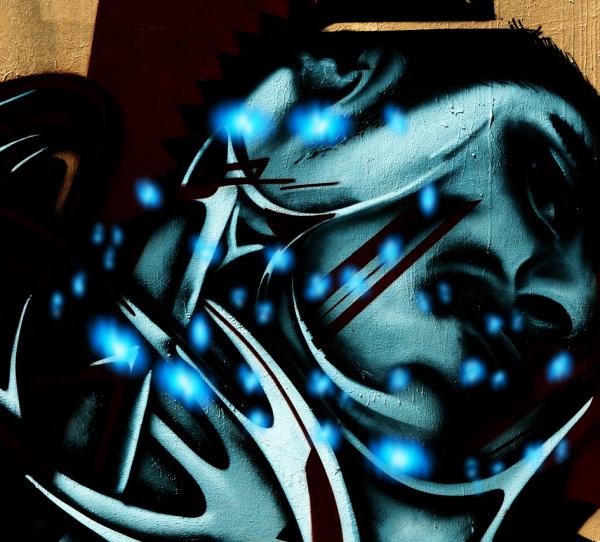
Draw on the transparent layer. Change the color to blue using "Colors / Hue-Chroma." Filters / Distortions / Offset / Vertical. Then use "Filters / Blur / Gaussian Blur." Set the layer mode of the transparent layer to "Merge." Duplicate the transparent layer and set its layer mode to "Overlay."