




02-04-2026, 10:07 AM
Thanks, I now have some parts for my solution.
Pardon me, I think my first message wasn't clear enough.
The start image is the following one :
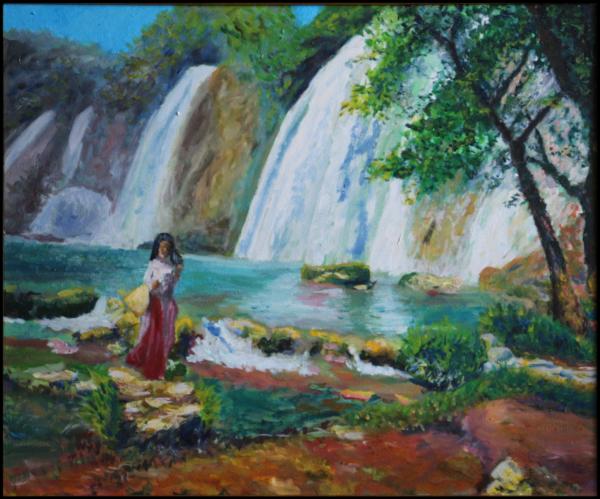
And I need to transform this image into another one, like the image of my first post (and I will not reduce the size), but the purpose is that the big black area (of the image of the first post) is not black, but is transparent.
Regarding the way I am looking to make the image, see the following video, and please "imagine" the black is transparency (the image would be invisible at the beginning of the video, and, step by step, some areas of the image would become visible) : https://streamable.com/5zi3ap
For example, the way of this other video (https://streamable.com/0gmgah) is the opposite one; and it is seriously less convenient for me, I really prefer the first one.
In other words, I am looking for a tool that:
Pardon me, I think my first message wasn't clear enough.
The start image is the following one :
And I need to transform this image into another one, like the image of my first post (and I will not reduce the size), but the purpose is that the big black area (of the image of the first post) is not black, but is transparent.
Regarding the way I am looking to make the image, see the following video, and please "imagine" the black is transparency (the image would be invisible at the beginning of the video, and, step by step, some areas of the image would become visible) : https://streamable.com/5zi3ap
For example, the way of this other video (https://streamable.com/0gmgah) is the opposite one; and it is seriously less convenient for me, I really prefer the first one.
In other words, I am looking for a tool that:
- "open the view", or "show the image",
- but not "close the view", or "erase the image".