




02-09-2026, 05:07 AM
This is with Gimp 3.0.8-2 and Darktable 5.4.1 on Windows 11. When I try to open an ARW raw from my Sony camera or a DNG raw from my Leica, Gimp starts Darktable and the images display in Darktable as I would expect. When I close Darktable it displays "Exporting to GIMP" on the screen, but I then just get an error dialog, and the image doesn't appear in Gimp.
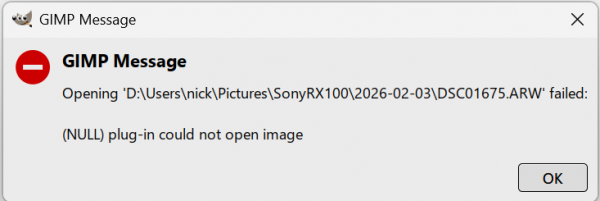
For ARW files, the error dialog is this:
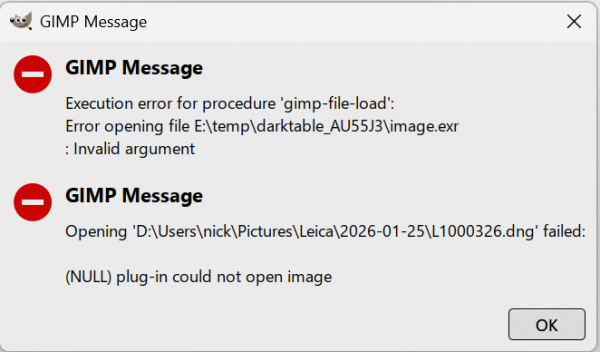
For DNG files, the error dialog is this:
When I look at Gimp's preferences for Image import and export, the import options are set to this:

Any suggestions on a fix?
For ARW files, the error dialog is this:
For DNG files, the error dialog is this:
When I look at Gimp's preferences for Image import and export, the import options are set to this:
Any suggestions on a fix?