




We can take advantage of the facts that
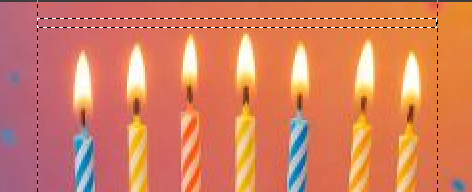
With the rectangle select tool, select this small zone (I added vertical guides to help move the layer later, but that's not mandatory) and copy-paste it as a new layer
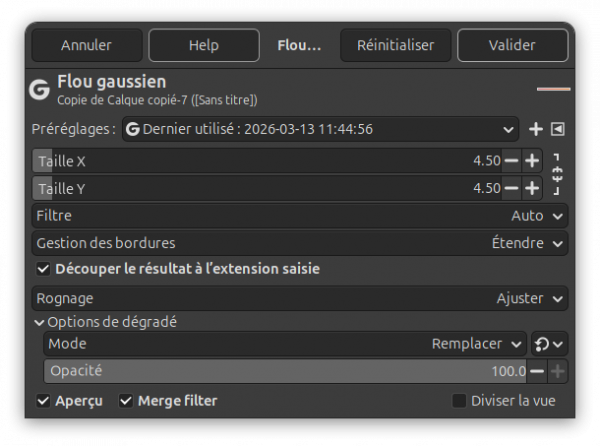
Apply a gaussian blur filter, configured like below. Important: check "Merge filter"
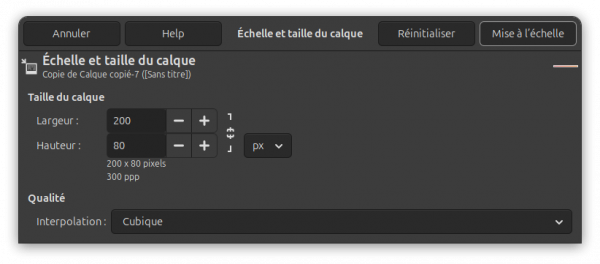
Layer > Scale layer. Scale it only vertically by unchecking the chain icon first:
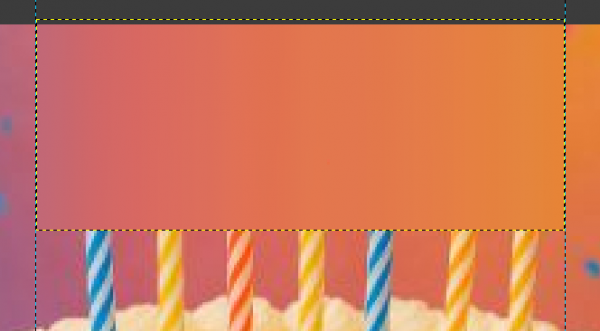
With the move tool, place the layer above the lights:
Set the layer to "Darken only" mode:
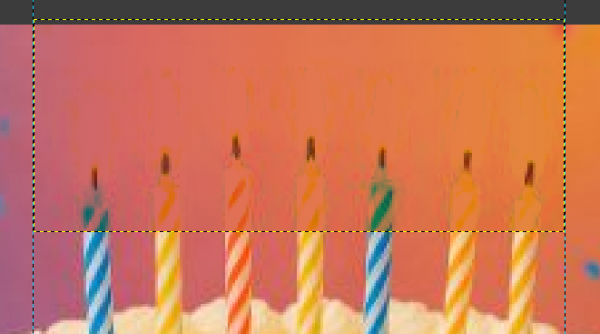
With the eraser tool and a rectangular brush, erase the pixels over the candles bodies (wax only, not the flames):
- flames are lighter than the background
- the background is a horizontal gradient
With the rectangle select tool, select this small zone (I added vertical guides to help move the layer later, but that's not mandatory) and copy-paste it as a new layer
Apply a gaussian blur filter, configured like below. Important: check "Merge filter"
Layer > Scale layer. Scale it only vertically by unchecking the chain icon first:
With the move tool, place the layer above the lights:
Set the layer to "Darken only" mode:
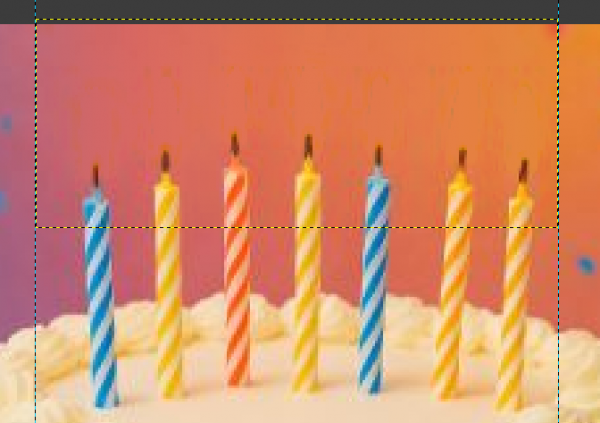
With the eraser tool and a rectangular brush, erase the pixels over the candles bodies (wax only, not the flames):