08-05-2026, 08:47 AM
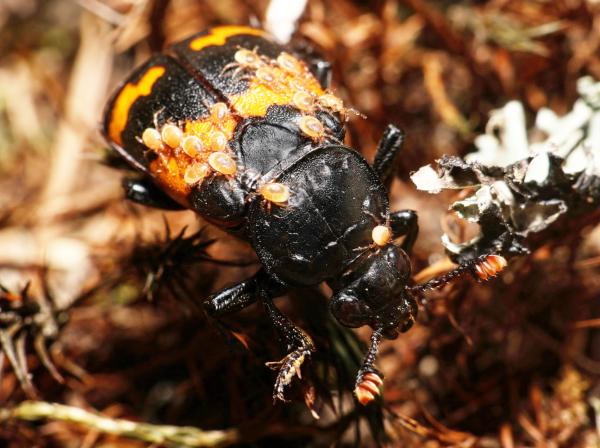
I experimented a bit with GIMP, but the result was disappointing. I looked for a solution on Google (using the search term 'Remove Glare from Photo with AI'); the result was good, but the entire photo remained very dark. I opened the AI-edited photo in GIMP and placed the original photo as a new layer above the AI layer to restore details lost during the AI processing. I set the opacity of this layer to 40%, created a new layer (using the 'New from Visible' option), copied this new layer, and set the layer mode to 'Screen'. Since the glare became visible again, I used the 'Eraser' to remove those parts from the new layer (making them transparent). I repeated this last step a few times to brighten the photo to a normal level of brightness. You can brighten the dark areas even further using the same method.