Posts: 747
Threads: 49
Joined: Oct 2016
Reputation:
52
Gimp version:
Operating system(s): Windows 10
08-08-2026, 07:14 AM
(This post was last modified: 08-08-2026, 07:17 AM by sallyanne.)
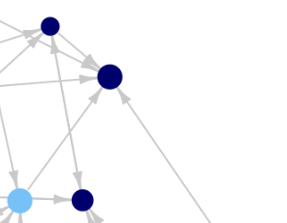
Join your dots using the path tool then stroke your path - If you dont want the lines to show through your dots do it this way.
You will need to make sure your original layer is transparent apart from the dots.
Use a transparent new layer above your dots and select that layer. Add your paths in then stroke. [Depending on the size of your picture you should only need a size 2 or 6 pixel stroke] Then if you put that layer to the bottom of your layer stack you will see the dots above the layer with the strokes.
Now if you want a white background add a white layer and drop that one to the bottom of your stack
Save as a (name).xcf and if you are happy with it now, export as a (name).png also.
Posts: 88
Threads: 21
Joined: Apr 2024
Reputation:
0
Gimp version:
Operating system(s): Linux
good day dear Rich2005
many thanks for the reply and for your explanation - very cool - and "in-depth-going" - as allways
This is very very helpful!!
you deserve honor and respect for your awesome and outstanding work
keep it up.
greetings